
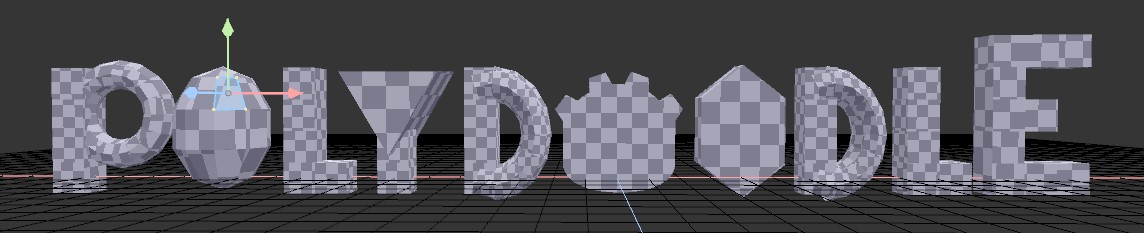
Polydoodle (Godot 4.x)
Polydoodle - A Low-Poly Modeler for Godot 4.x
You know that moment when you want to block out one little prop - a crate, a rock, a weird-looking lamp - and instead you end up opening Blender, poking around for ten minutes to remember which button does what, modeling the thing, exporting it, realizing the UVs are wrong, going back, and fixing it?
Yeah... you can skip all of that now.
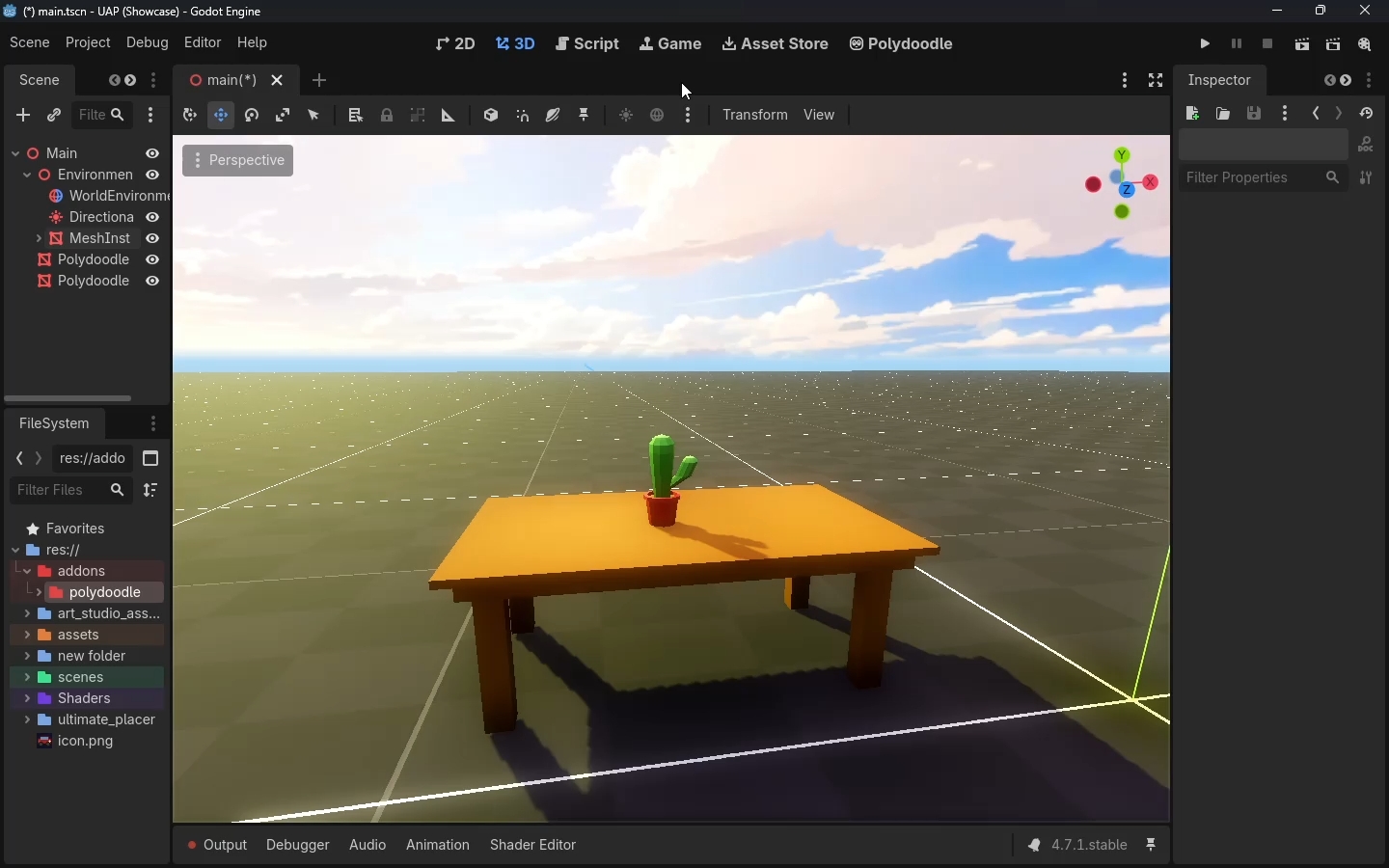
Polydoodle puts a whole picoCAD-style modeler right inside the Godot editor. Build a shape, paint it, export it - all in the same window your game is already open in. No alt-tabbing, no import settings to fight with, no "wait why is the texture flipped" moments.
It's basically doodling, except the doodle becomes a real mesh in your scene.
What used to be a whole side-quest into another app is now something you do without even thinking about it.
New here? Start with the tutorial → Polydoodle Beginner to Advanced Guide
See it in action
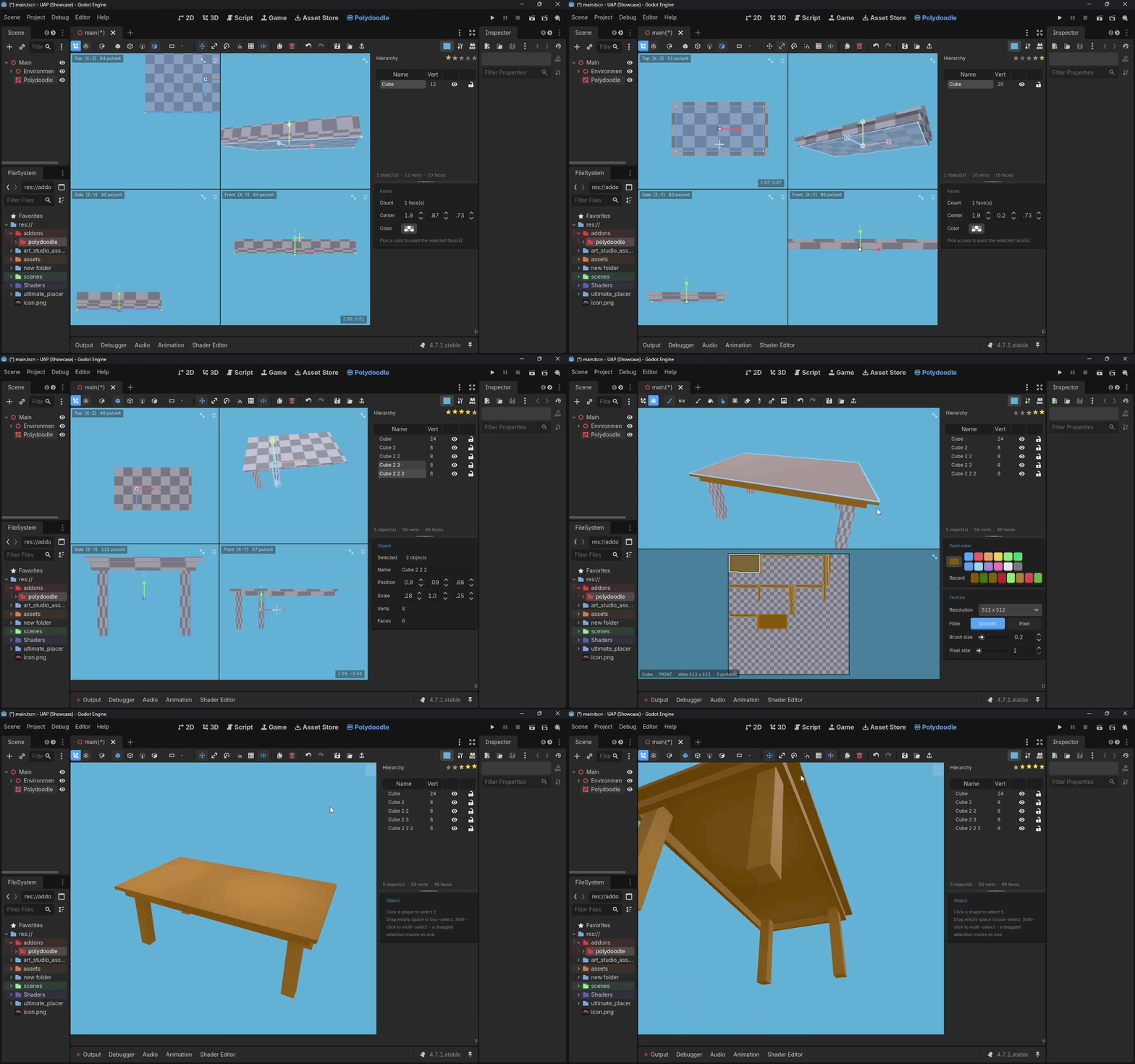
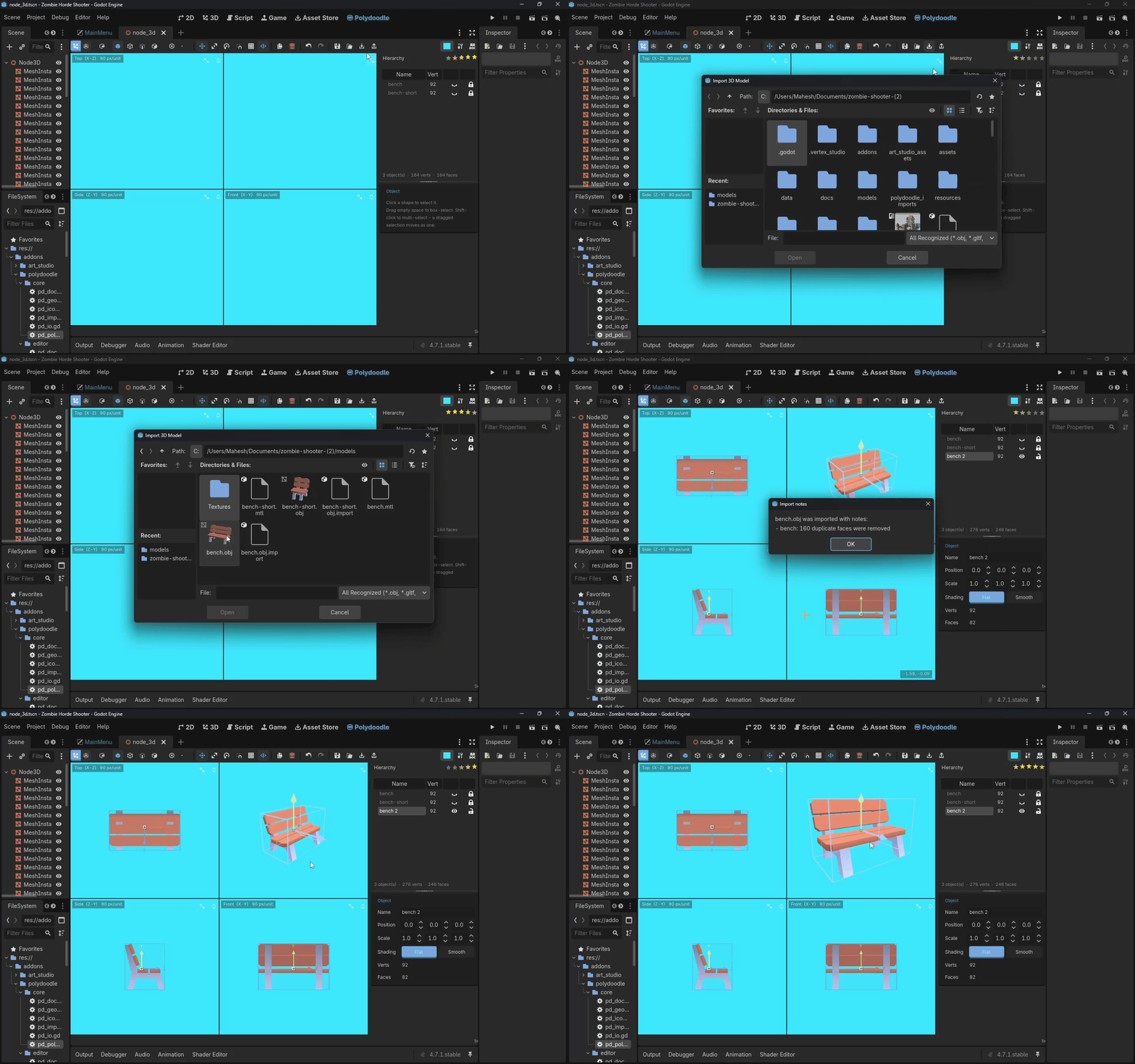
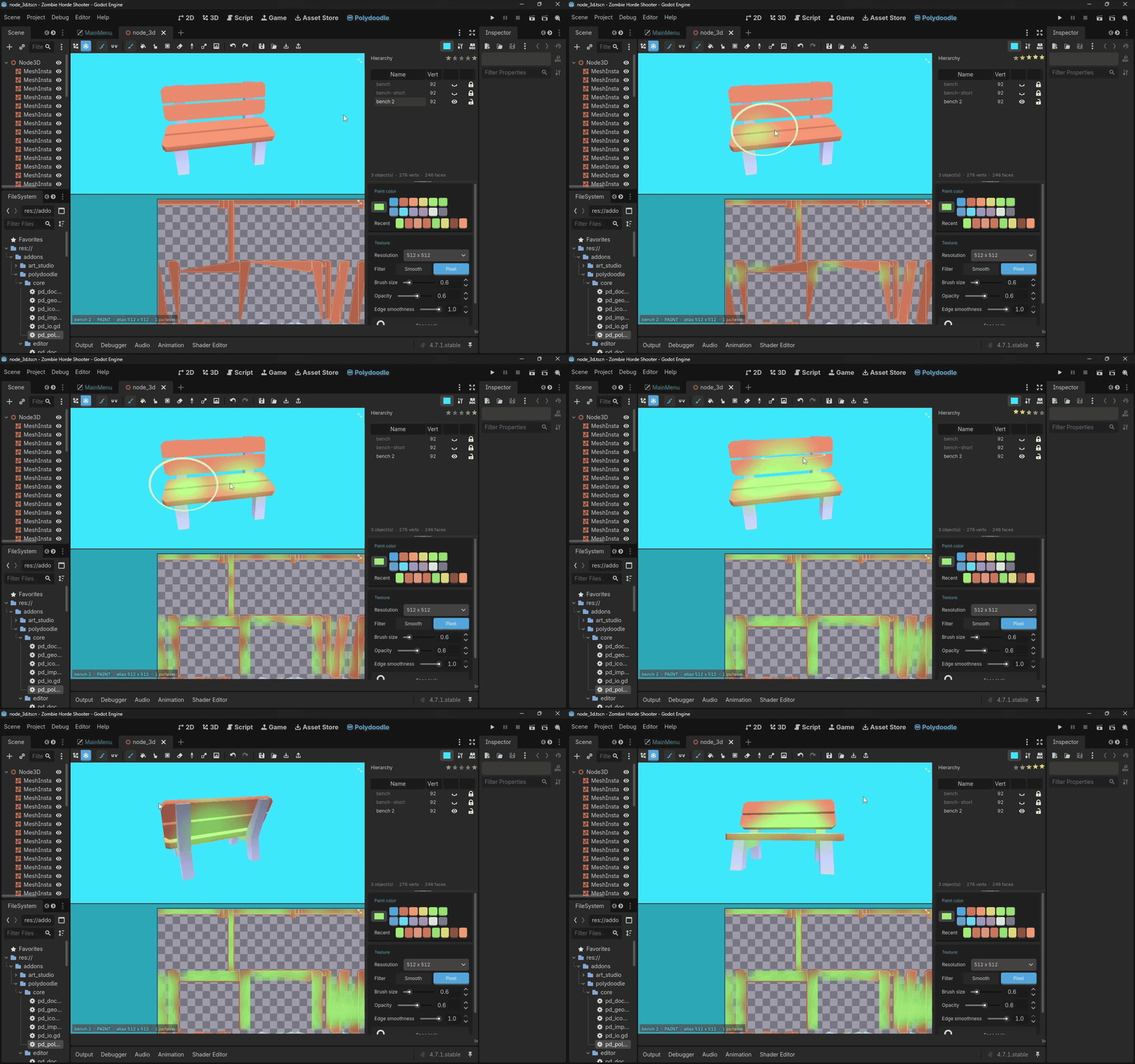
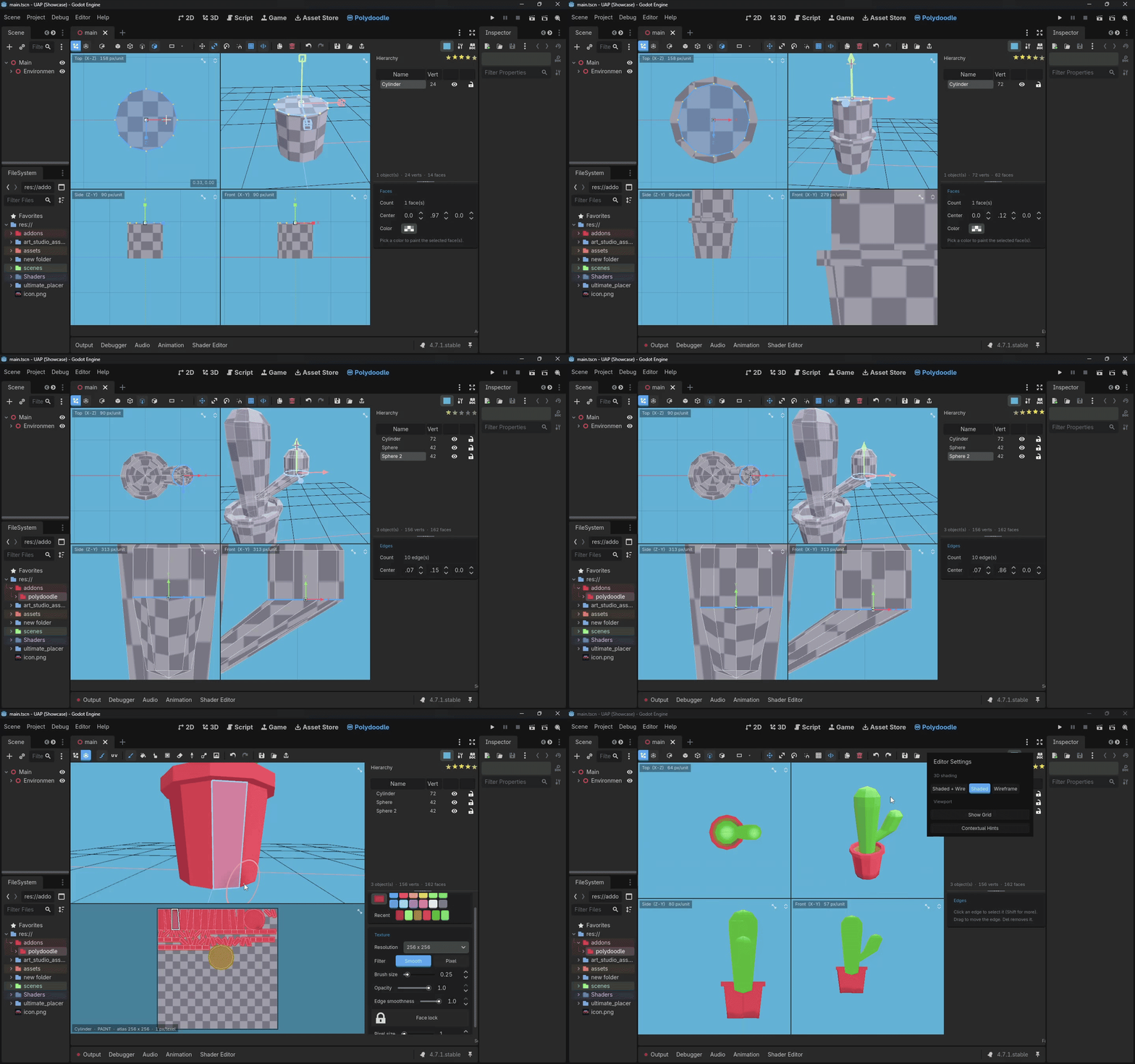
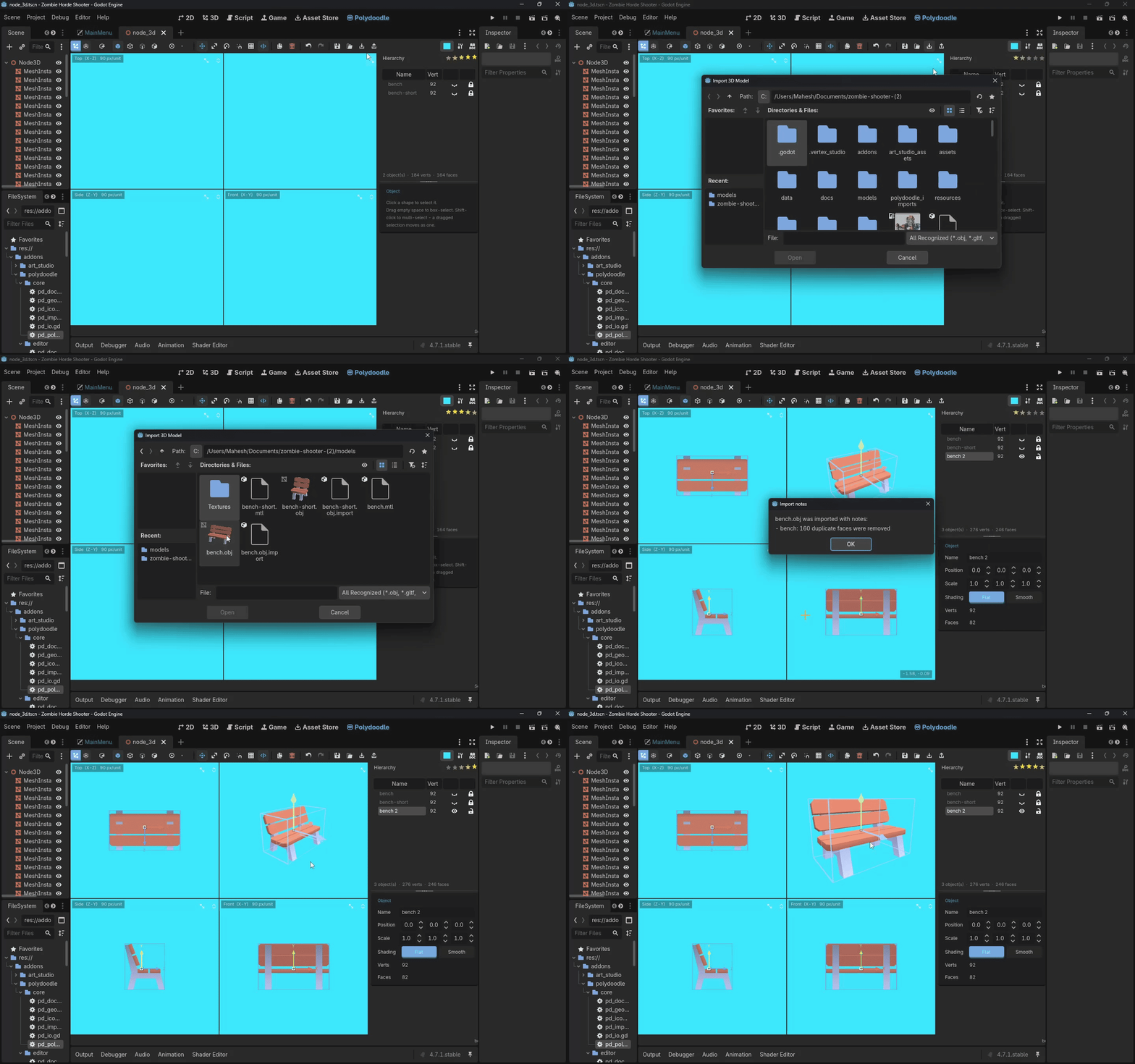
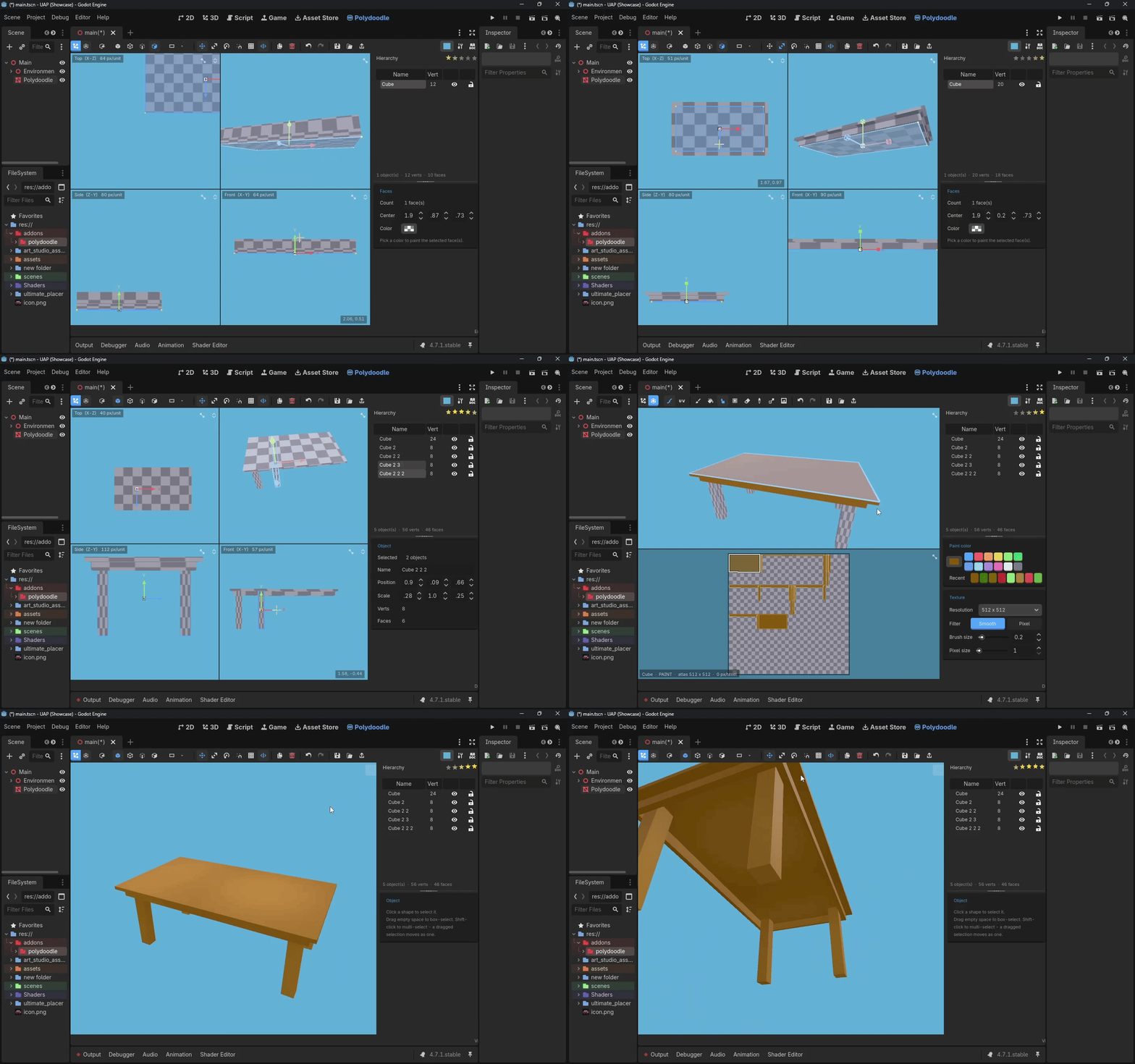
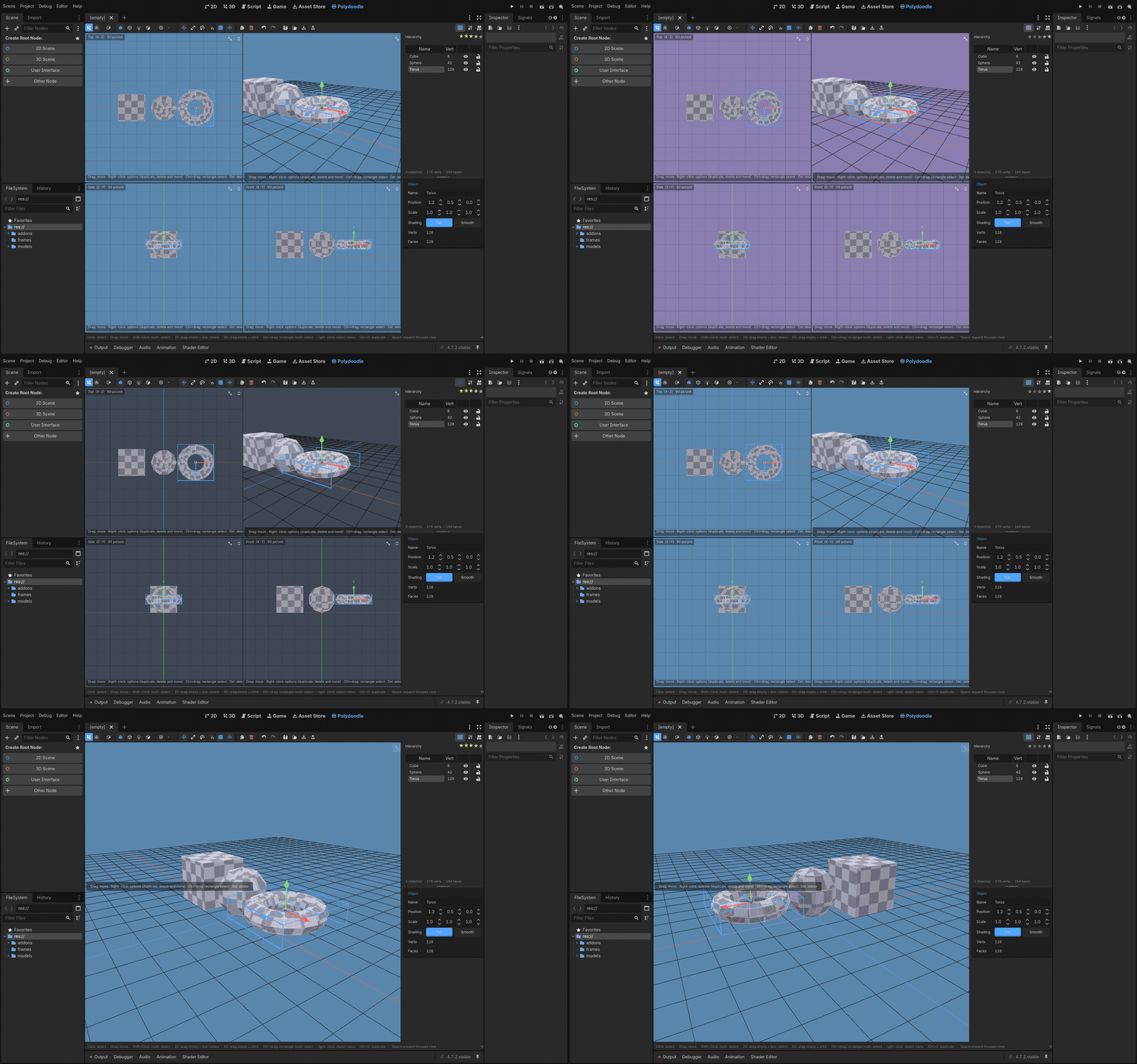
A few clips of the actual workflow - modeling, painting, and the new import feature:
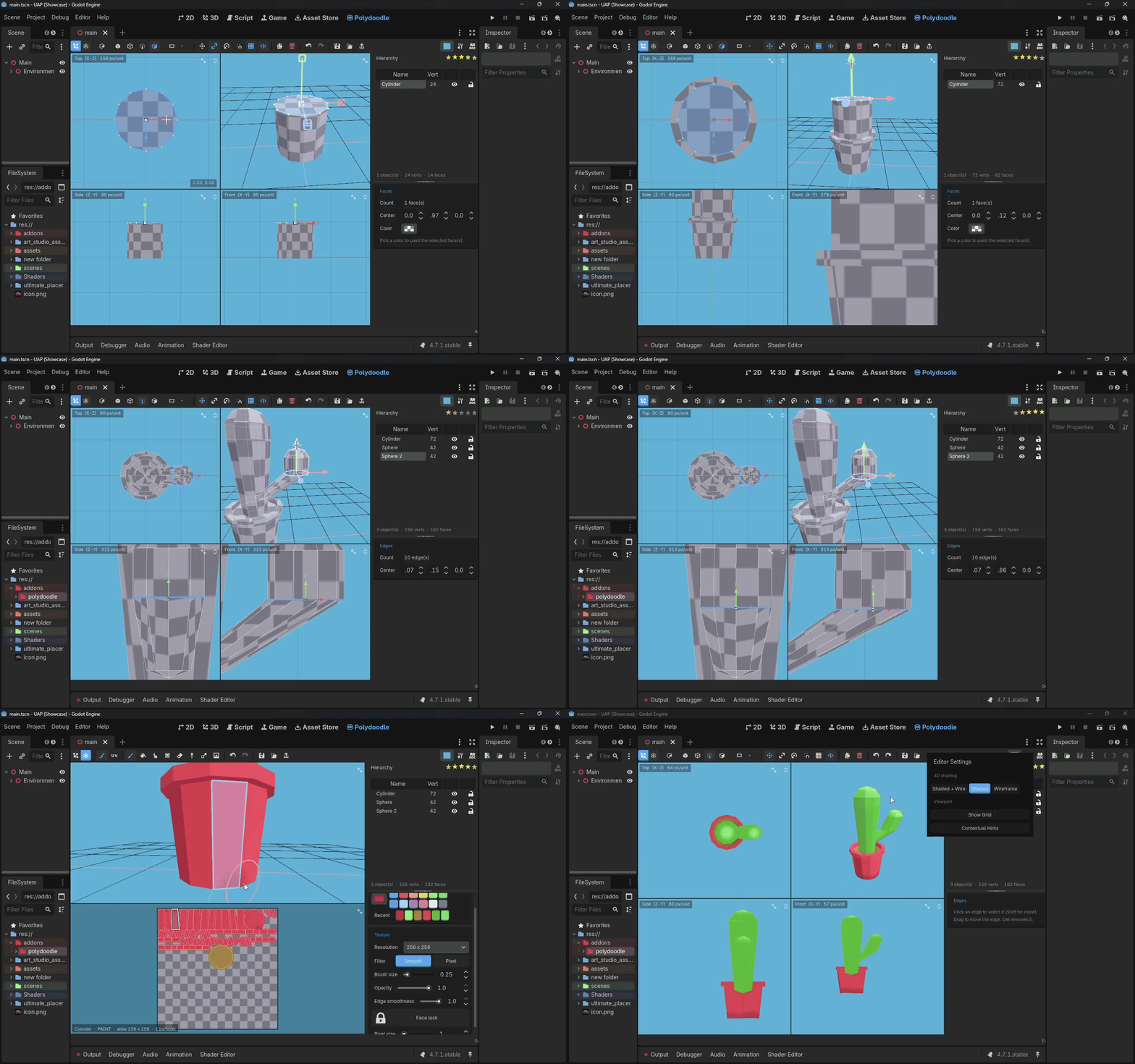
Modeling
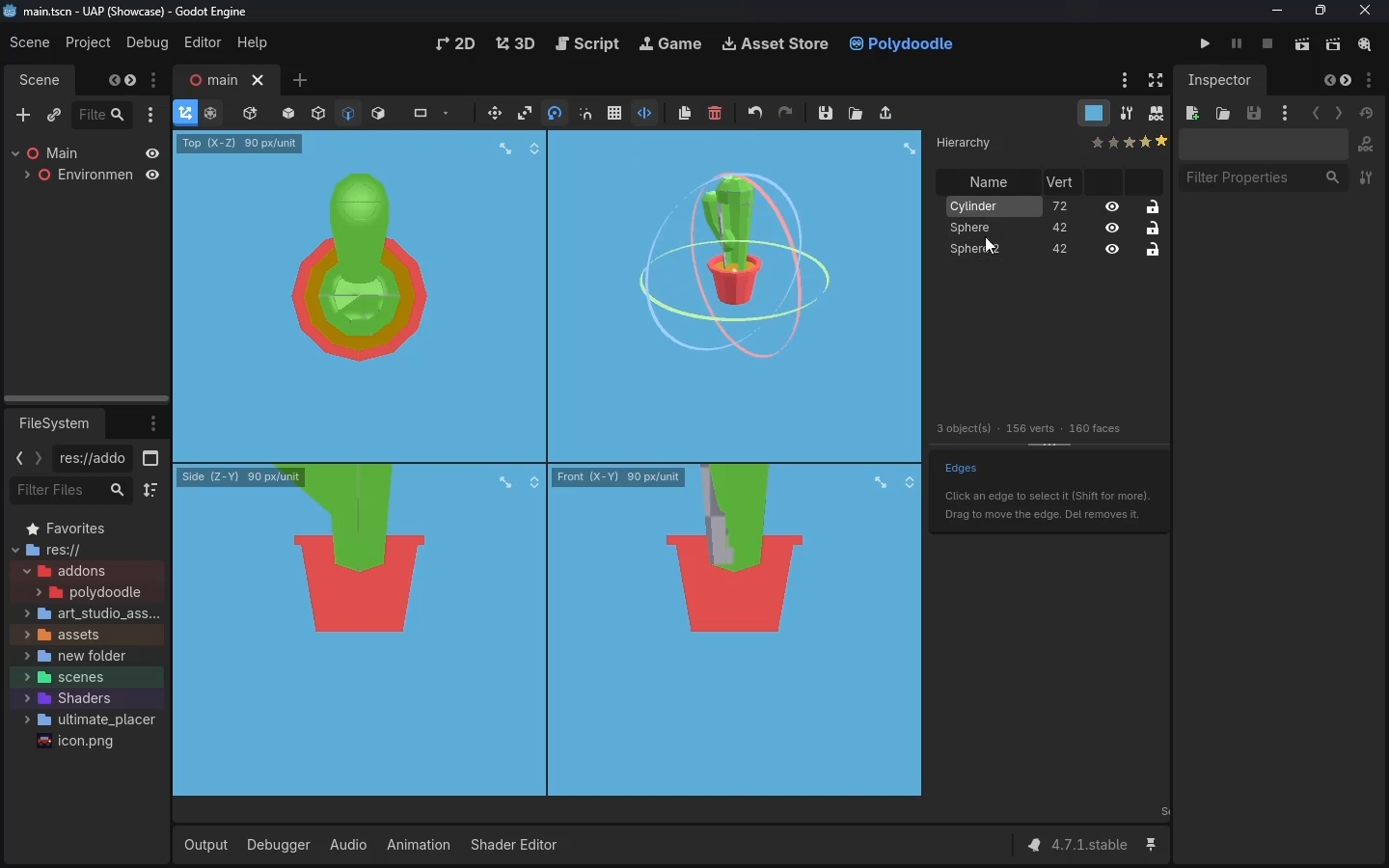
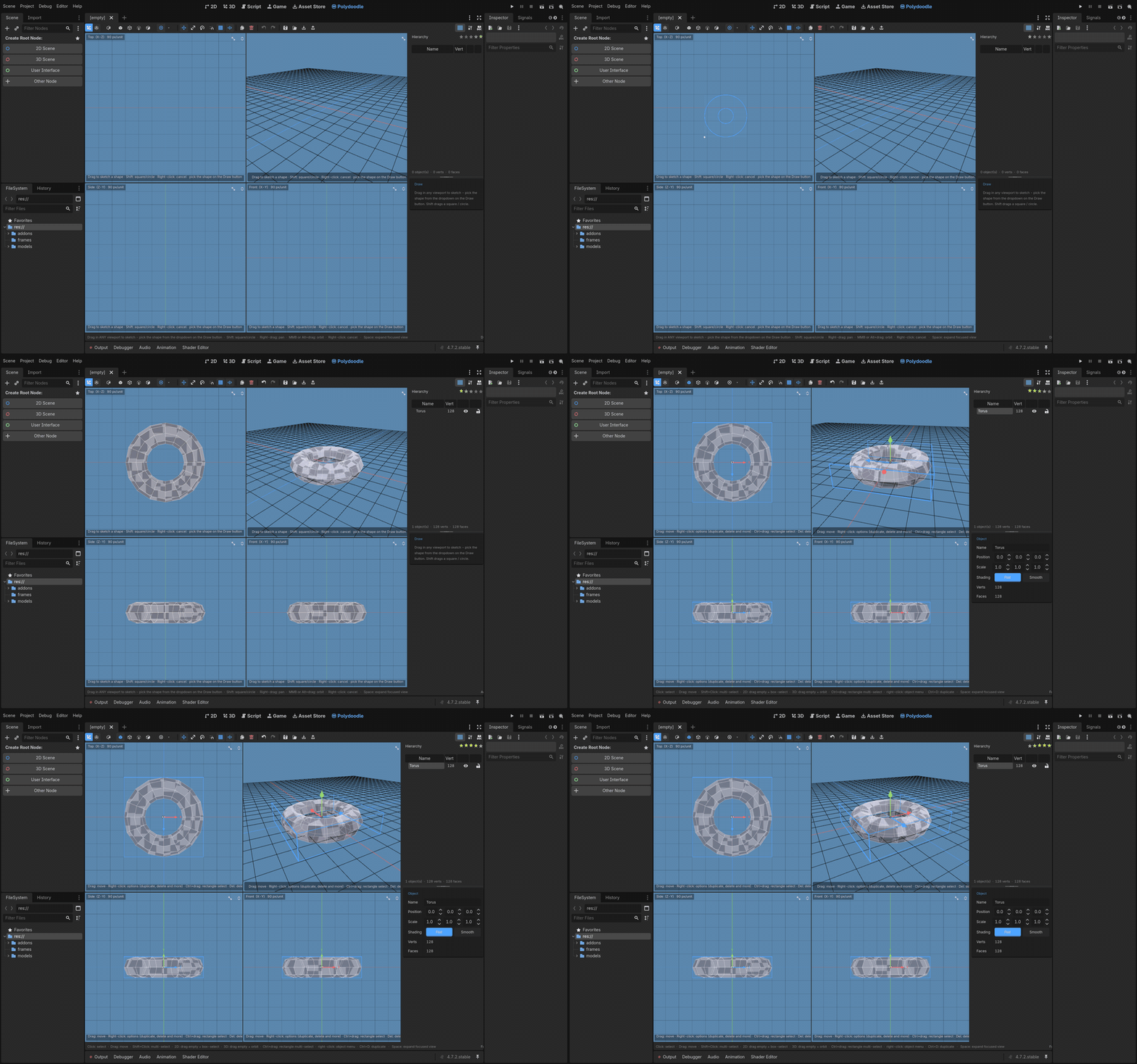
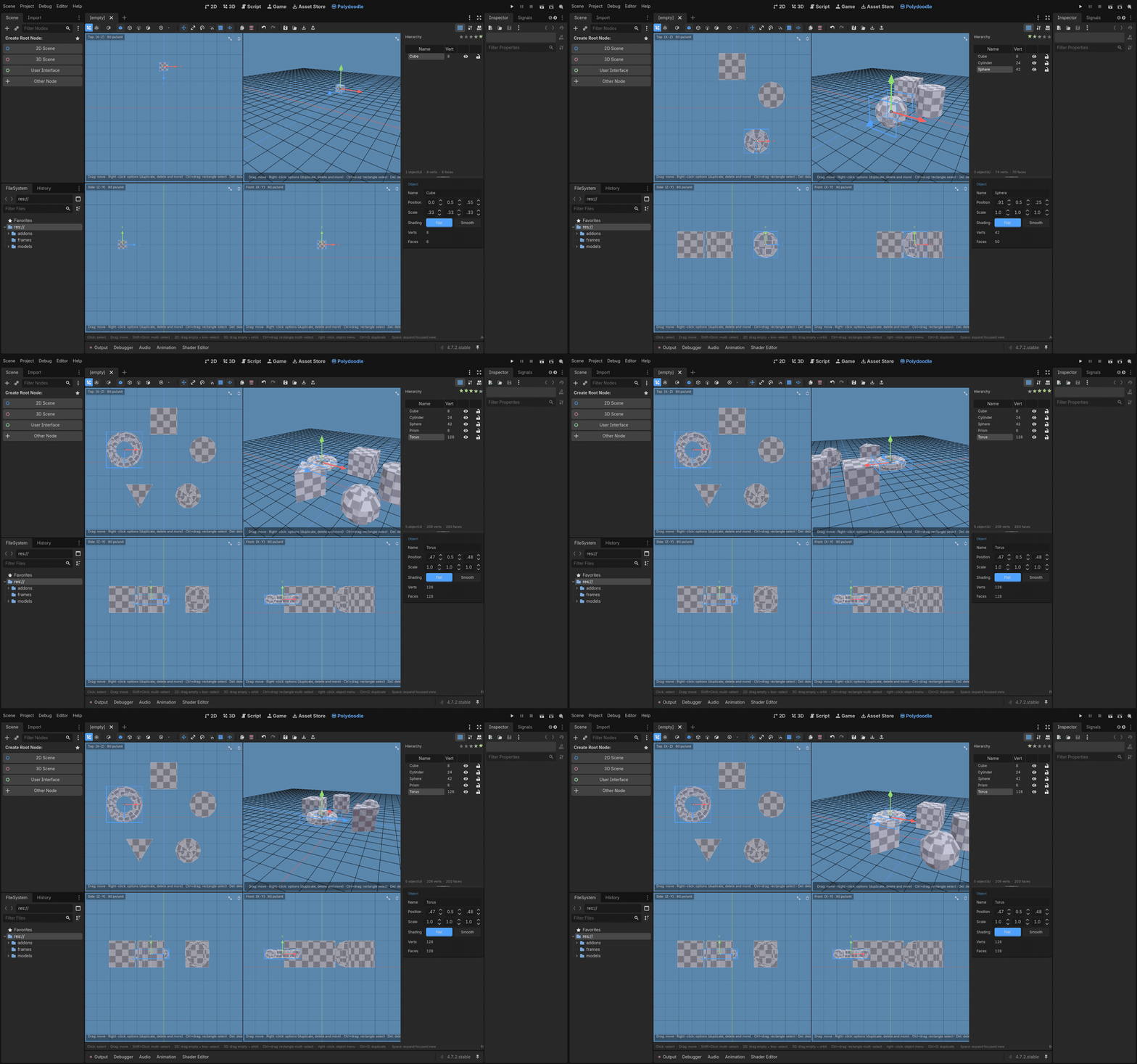
Start from a primitive - Cube, Plane, Cylinder, Sphere, Prism, Torus - or just draw. Freehand doodle a shape straight into a viewport and it becomes a real, editable polygon. There's also a set of shape tools (rectangle, circle, star, hexagon, and a few more) you can stamp directly onto any face, so you can draw a window straight onto a wall instead of building it separately and lining it up.
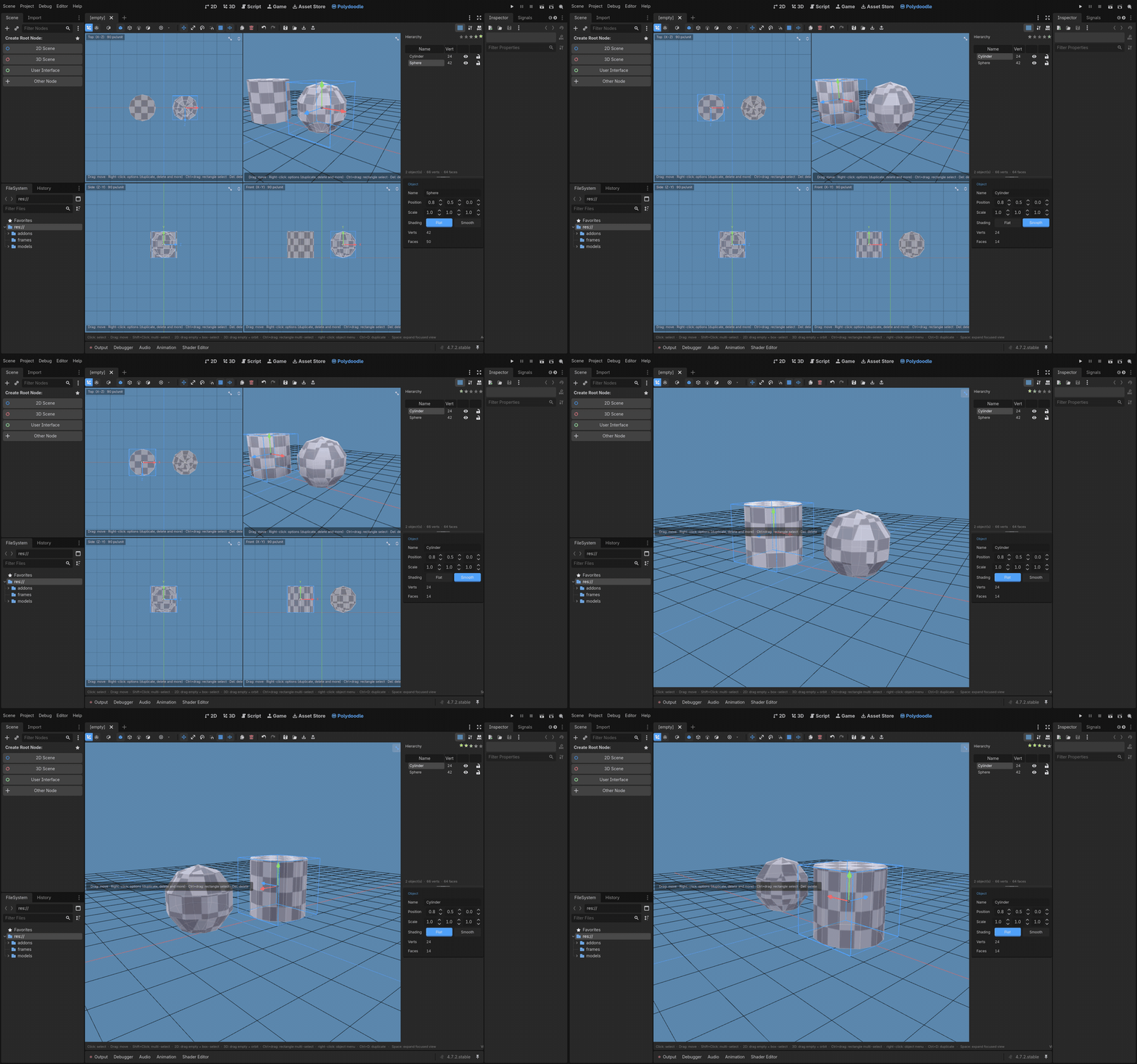
From there it's full vertex / edge / face editing. Extrude, inset, outset, merge vertices down to a point, delete whatever you don't need. Extrude works two ways now - push every selected face out along its own normal, or treat the whole selection as one region and extrude it as a single shape. Move / Scale / Rotate gizmos work on the whole object or just your current selection, with snapping so things actually line up.
Every object can be Flat or Smooth shaded on its own, so your blocky low-poly crate and a smooth rounded sphere can sit in the same scene without fighting each other.
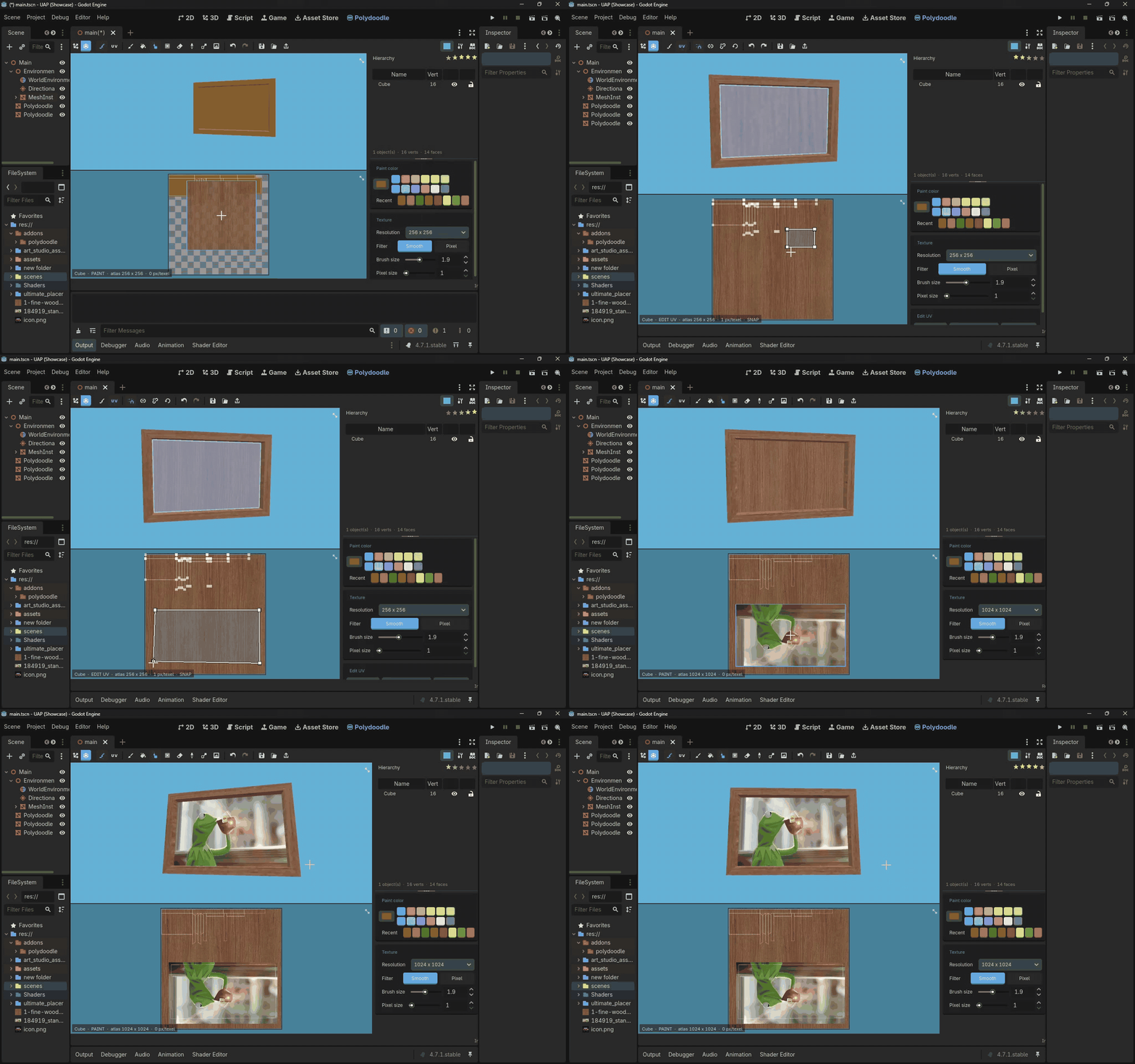
Texturing
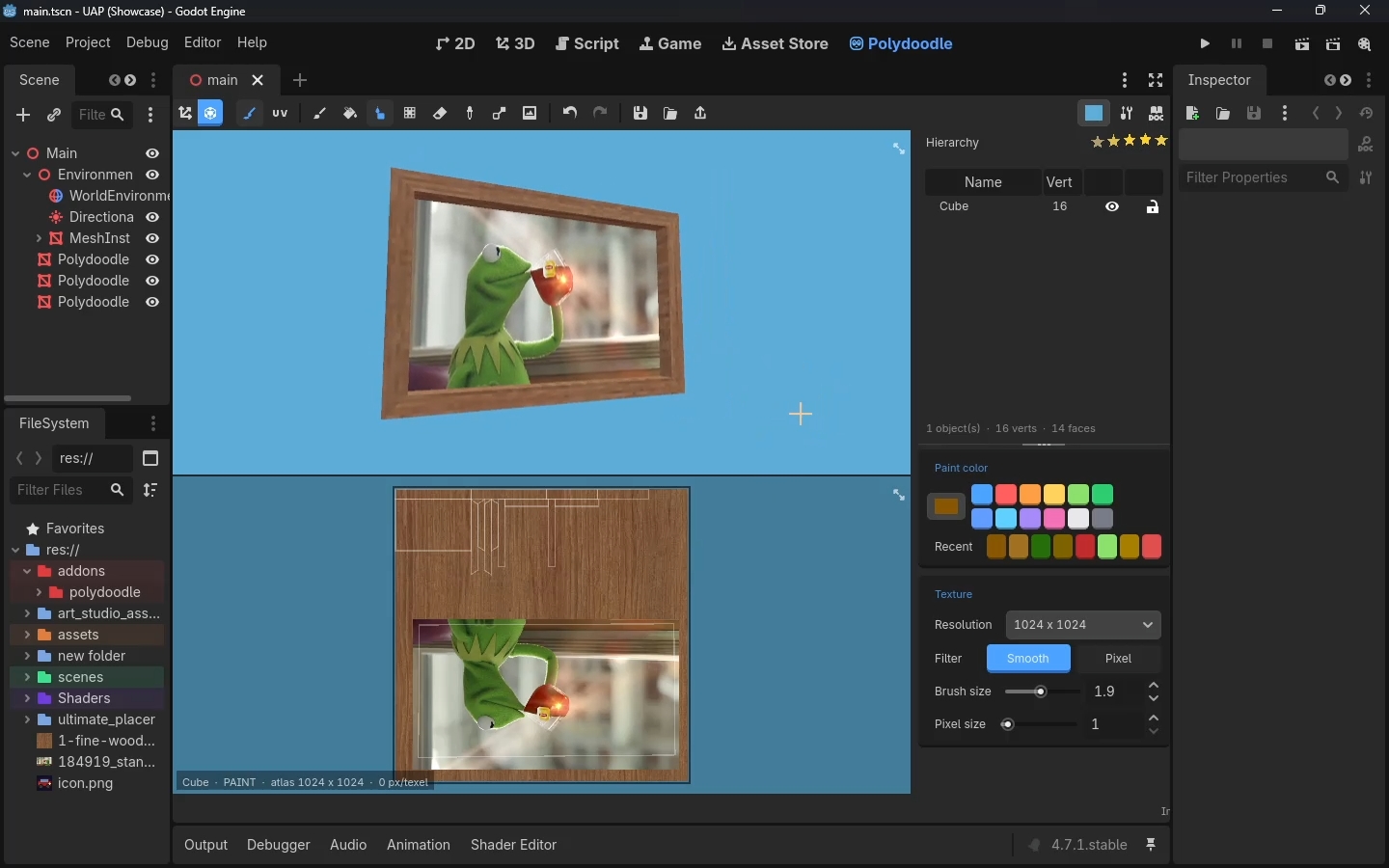
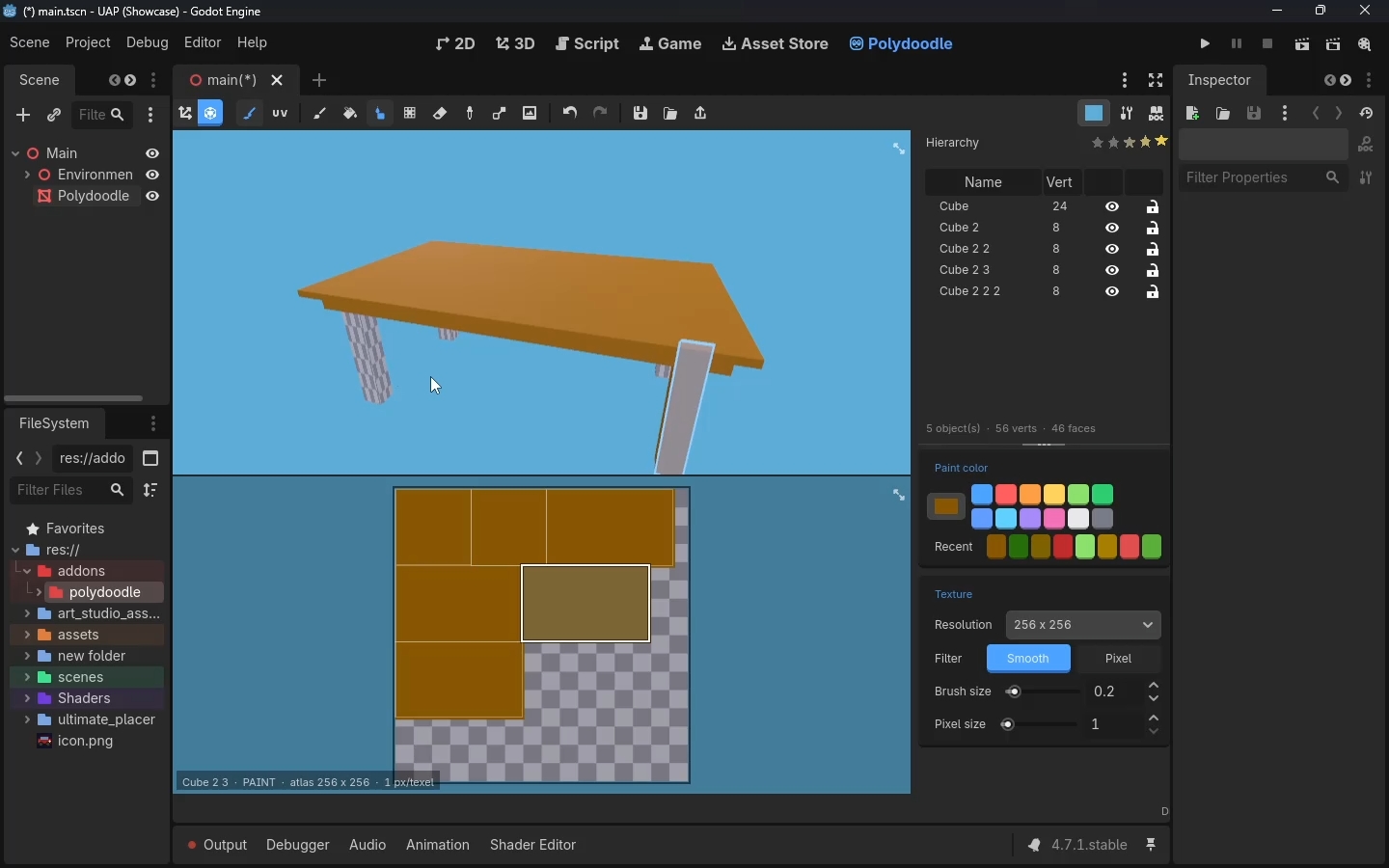
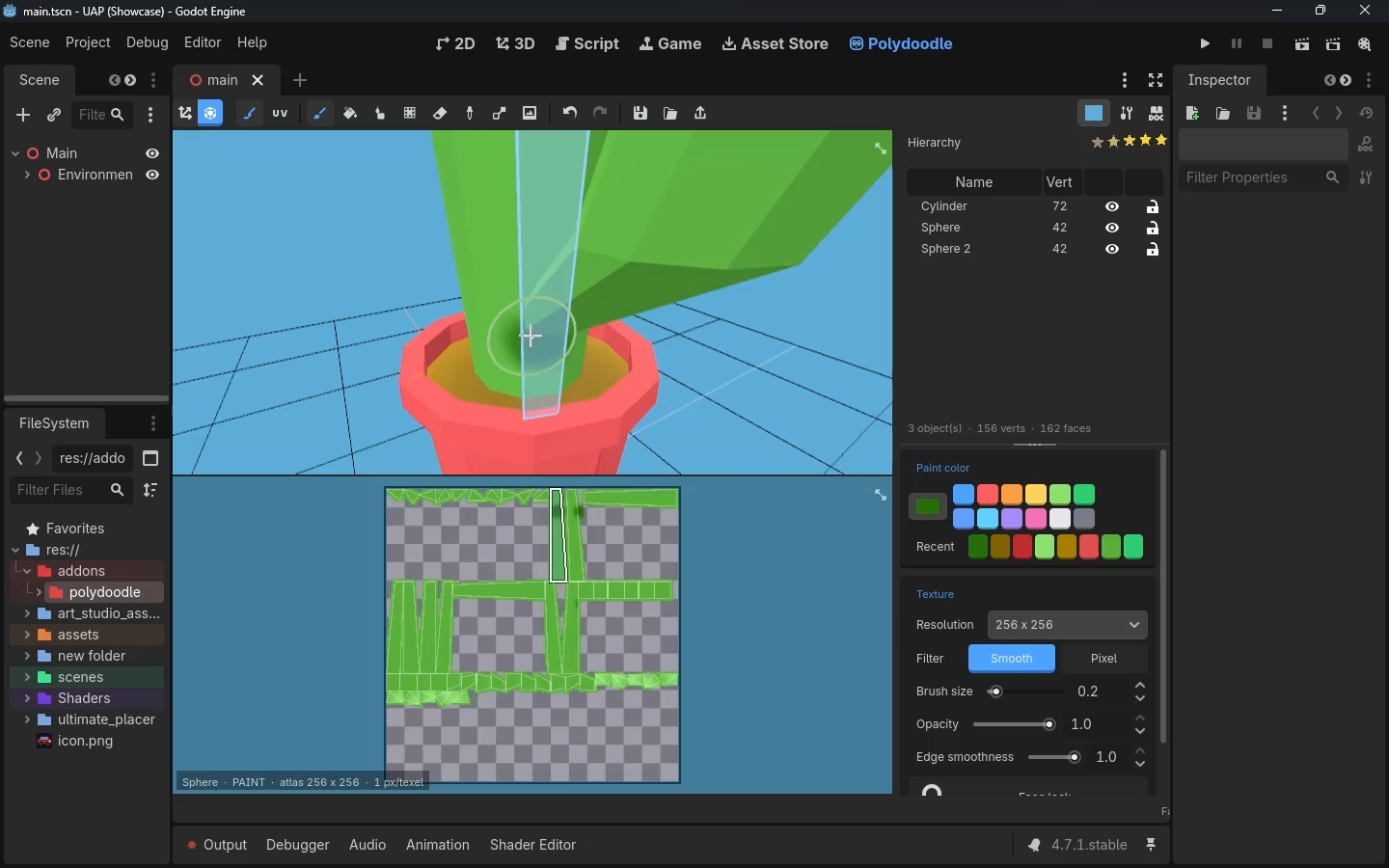
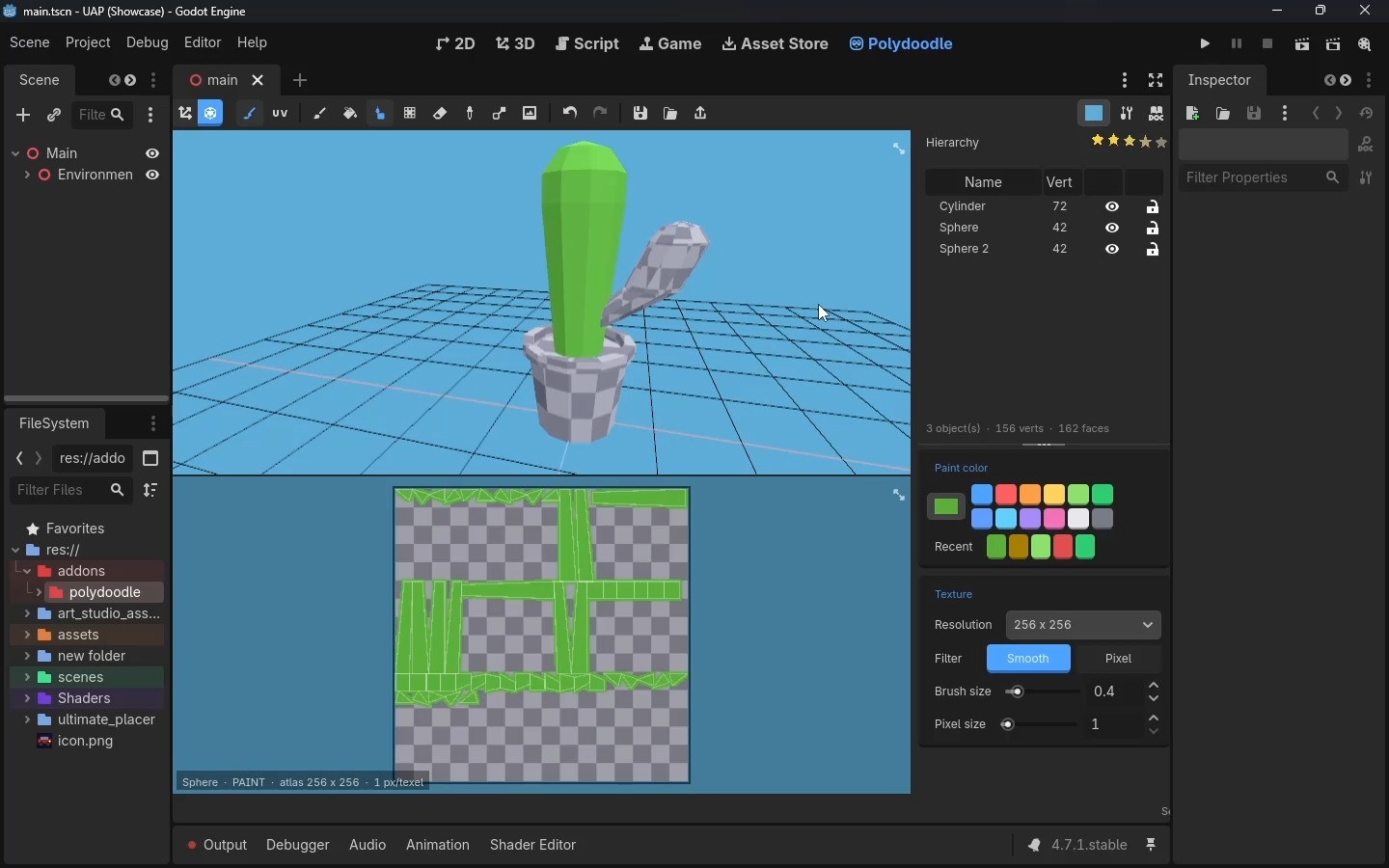
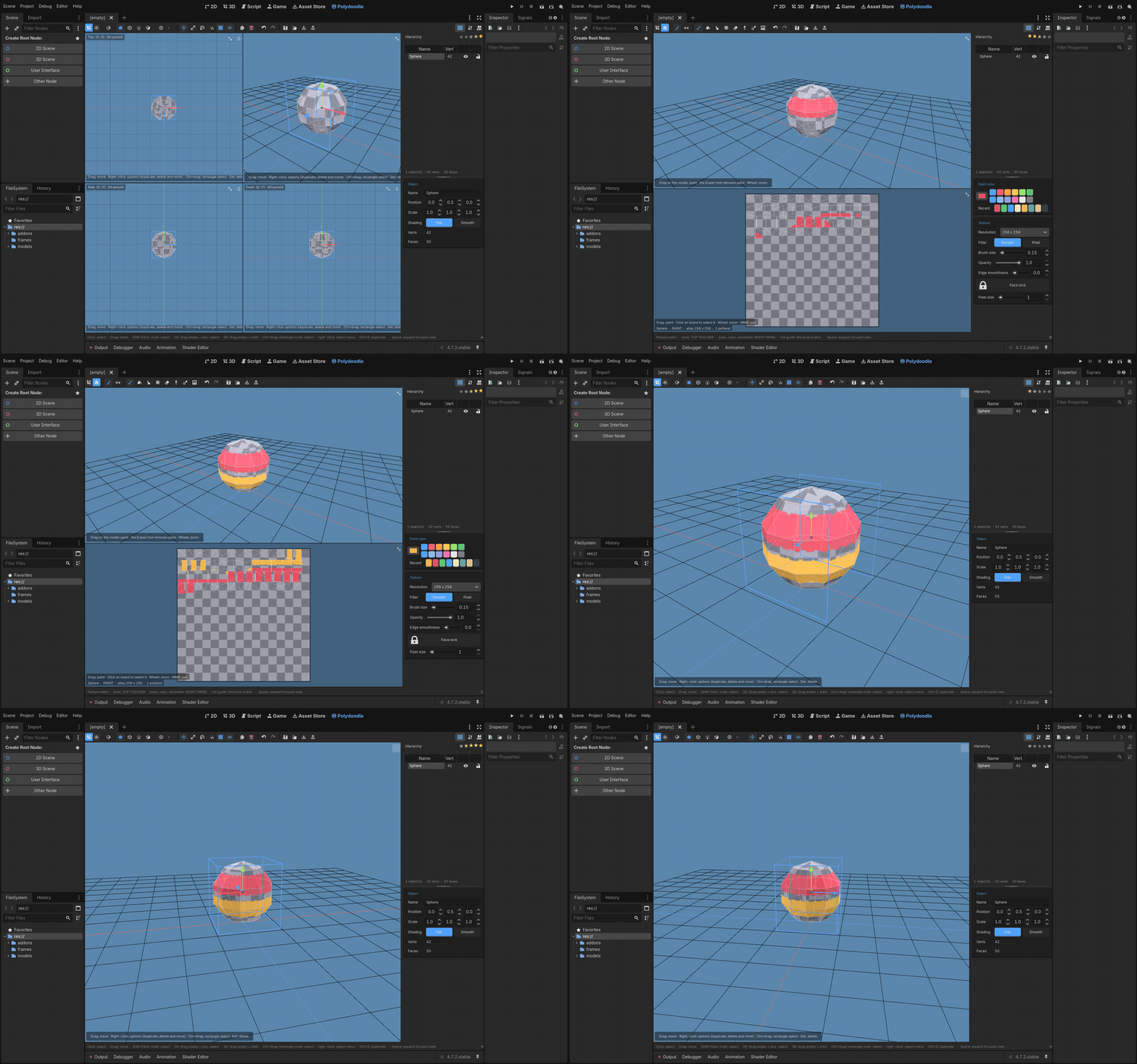
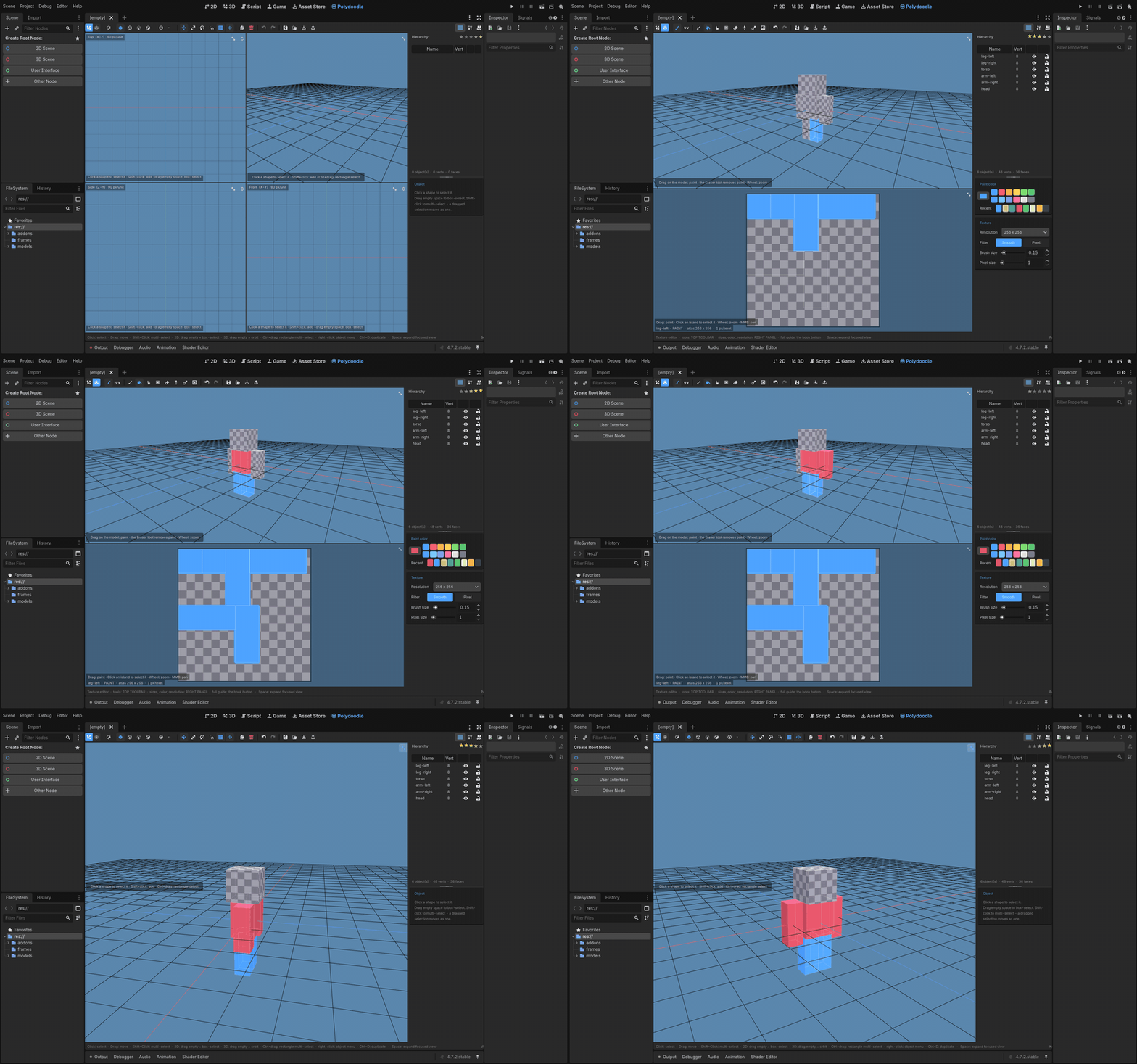
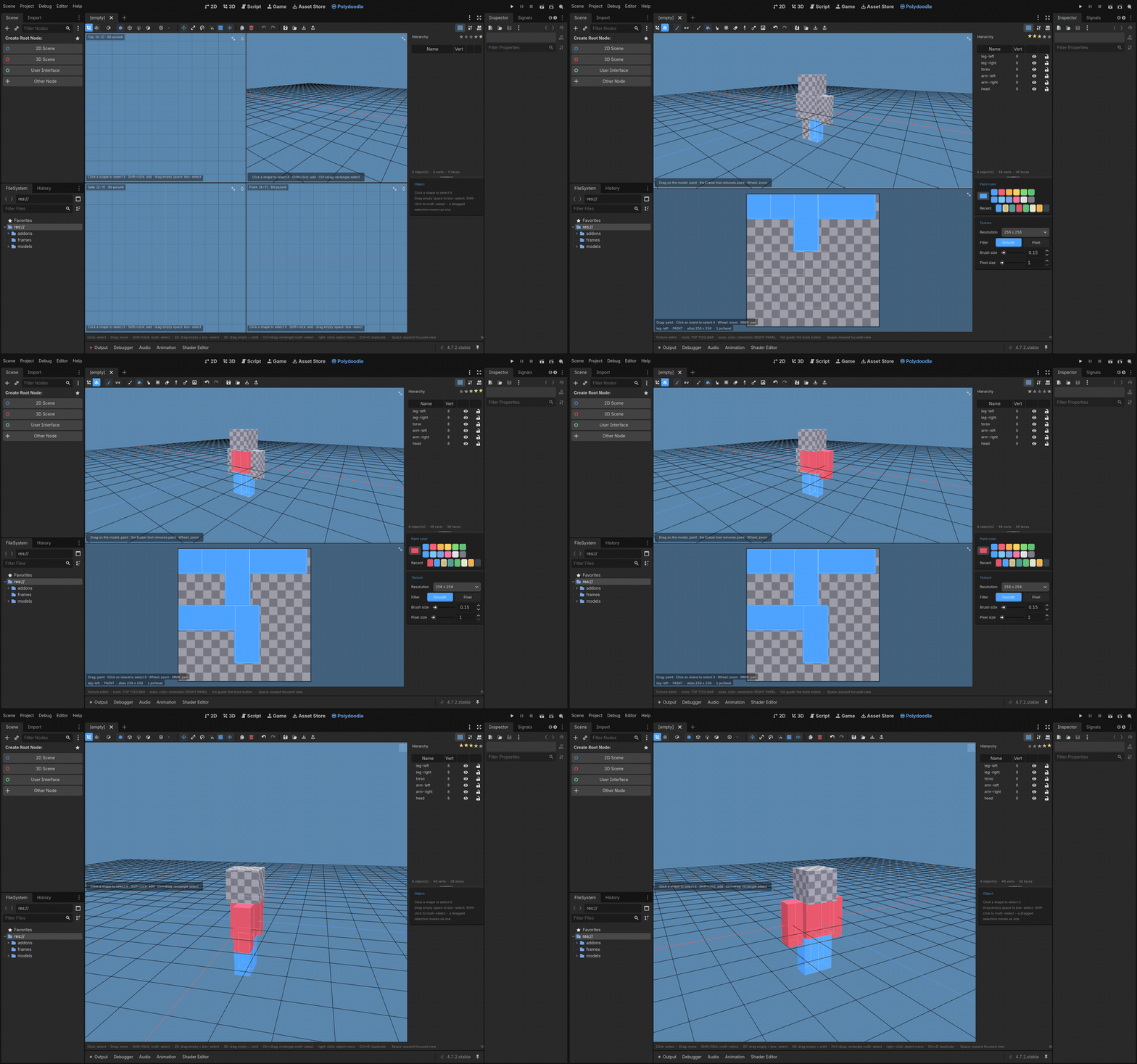
The texture editor is wired directly into the model - paint on the canvas and it shows up on the mesh, paint on the mesh and it shows up on the canvas. There's a real brush with opacity and softness, a pixel-perfect brush for actual pixel art, fill tools, an eyedropper, and a Replace tool that swaps every texel of one color for another across the whole texture (with a tolerance slider, so it's forgiving).
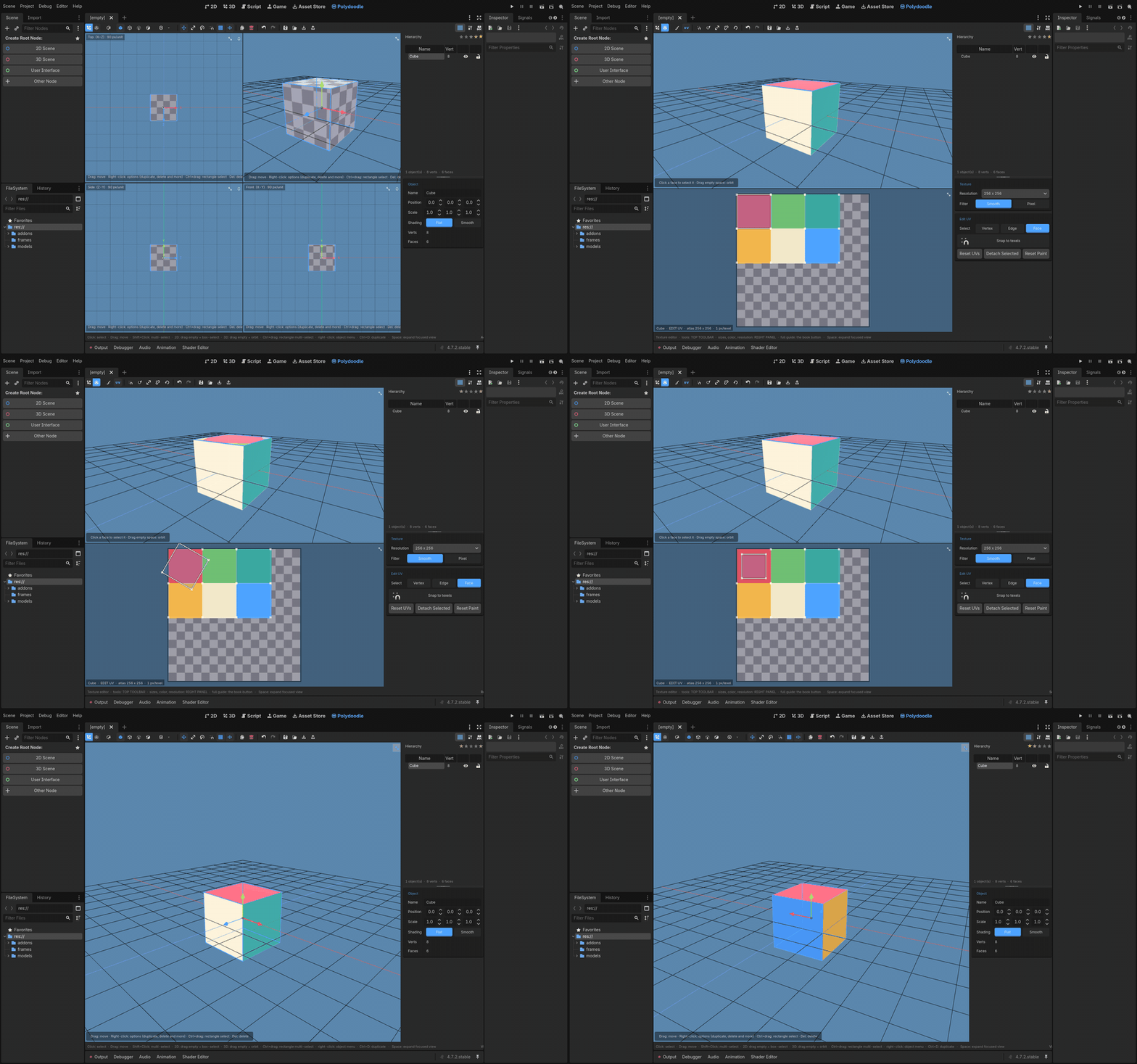
UVs are fully editable - drag corners, edges, or whole islands, rotate and scale them, detach them to free up space on the atlas. Unpainted texels are transparent by default now, so if you want a model that's part solid and part see-through, that's just... how it works, no extra steps.
Resolution goes from 64 up to 1024 per side, or type in your own custom size if you need something odd.
Bring your own models in
This is the big one in this update. You can now import existing 3D models straight into Polydoodle - OBJ, glTF, GLB, FBX, or Godot's own scene and mesh files. Duplicate vertices get welded, flat triangle pairs get merged back into quads, and every mesh in the file lands as its own editable object. Textures get re-baked straight into the atlas, so what comes in still has its original look - you can just keep editing it from there.
It's meant for low-poly stuff, so there's a soft cap - things get slower to paint and edit past 1500 faces, and it won't take a file over 5000 faces after cleanup. If you're bringing in something from Blender or wherever, decimate it down first and it'll behave.
Exporting
Export as a Mesh, a Scene, or a straight-up OBJ with its texture, or just hit "add to scene" and a MeshInstance3D drops into whatever you're working on, already selected. Export again later and it updates that same node in place - your position, rotation, and any children you added stay untouched. You just keep iterating on the model and re-exporting whenever.
And the usual stuff that just works
48 steps of undo across literally everything - modeling, painting, UVs, settings. Native .pdoodle project files that are plain text, so they're friendly to version control. Session auto-save that just quietly keeps your work safe in the background - close Godot, open it back up, everything's still there. And a full in-editor docs window (the book icon) if you ever forget what a button does.
Enjoying it so far? A rating genuinely helps a tool like this get found.

LICENSE
If you own this plugin, you can:
- Use it in any project, commercial or not.
- Modify it for your own personal use.
You can't:
- Resell or redistribute the plugin itself.
- Edit it and resell it as your own.
Questions, bugs, ideas?
Drop a comment below, or reach out directly:
Discord: Join Discord
Email: pixelvoxelartist@gmail.com
Purchase
In order to download this tool you must purchase it at or above the minimum price of $9.99 USD. You will get access to the following files:
Development log
- Polydoodle Tutorial3 hours ago
Leave a comment
Log in with itch.io to leave a comment.